Terms of Service
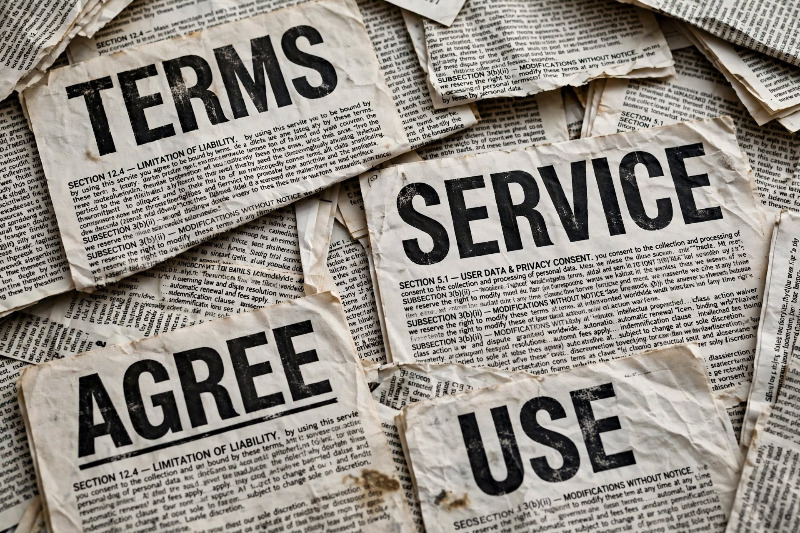 Recently, I received notice from the music service Spotify that "We are updating our Terms of Use to make some updates to the dispute resolution provisions, including the Arbitration Agreement. You can read them here." It is dense, and like many users, I gave it a cursory read-through and agreed. That is not the smartest thing to do, but I am hardly alone in doing it. In fact, some companies rely on that attitude. When users have been surveyed about their issues with terms of use/service, the same themes seem to always appear.
1. Most ToS run thousands of words in dense legal language. You wonder if that is not deliberate so that you DON'T review them but just quickly agree. One study found average users could answer only 40% of questions about an agreement they had just studied, and about 70% of people don't read them at all because they assume it's boilerplate. This is known as clickwrap, because you must take an affirmative action — click "I agree," check a box, or click "Accept" before you can proceed. Courts like this because there's clear proof you saw the terms
2. Why would you just agree to terms you haven't read? Because you can't negotiate. If you want to use the app, website, or device, you have to click "I agree." With "browsewrap agreements," you may be bound just by continuing to use a site, without ever seeing the terms. A browserwrap (AKA browsewrap) agreement is the most passive kind of online contract. It's the link you see at the very bottom of a website that says "Terms of Use" or "Privacy Policy." The site is claiming something like, "By just using this website — browsing, scrolling, downloading — you agree to our terms, even if you never clicked anything or read them." No "I Agree" button, no checkbox, no pop-up. Consent is implied by continued use.Courts often don't like them. (see note at bottom)
3. One-sided rights where the terms protect the company, not users. That might include language such as this:
Company can change the service, remove features, or delete your content/account at any time.
Purchases (especially digital goods, games, virtual items) are non-refundable and can be altered.
Company keeps broad license to use what you post
4. Some data and privacy items are hidden in the language. You click agree and later learn you consented to data collection, data sharing with third parties, tracking, targeted ads, and AI training on their content. The concern is trading away information and legal rights in a binding contract without realizing it.
5. Further, there may be legal rights you give up without noticing. Some common clauses:
mandatory arbitration and waiver of class-action rights
limits on liability if the service harms you or loses data
choice of law/venue far from where you live
6. Term can also change quietly and some companies reserve the right to update the terms at any time. Users aren't always notified clearly, so the rules you agreed to last year aren't the rules today.
7. Because the language is often deliberately vague, users aren't sure what will get them banned, demonetized, or suspended, or how appeals work. That leads to the feeling that enforcement is arbitrary.
Courts often don't like browsewrap
because users generally don't know they're in a contract. A website is purporting to bind you by passive conduct unrelated to the terms themselves, like continuing to use the site. For that reason, U.S. courts have generally enforced browsewrap agreements only in limited cases — for example, against knowledgeable businesses — not against everyday individuals who had no reason to know the terms existed. To be enforceable at all, courts now look for two things: 1) Conspicuous notice — Is the link to the terms placed where a reasonable person would see it, not hidden at the bottom in small light-gray text? 2) Actual or constructive knowledge — Did the user have reason to know the terms applied? This may also apply to what is known as the hybrid "Sign-in-wrap" that might read "By signing up, you agree to our Terms" next to the sign-up button.
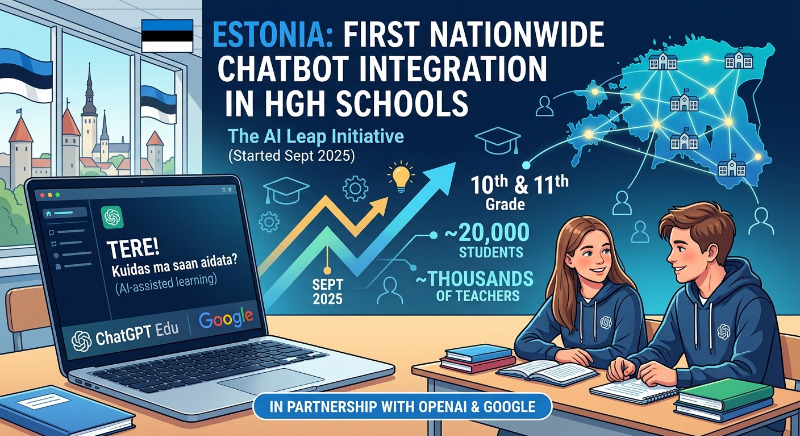 The use of AI in schools is a big topic right now in the U/S. and probably in most of the developed world.
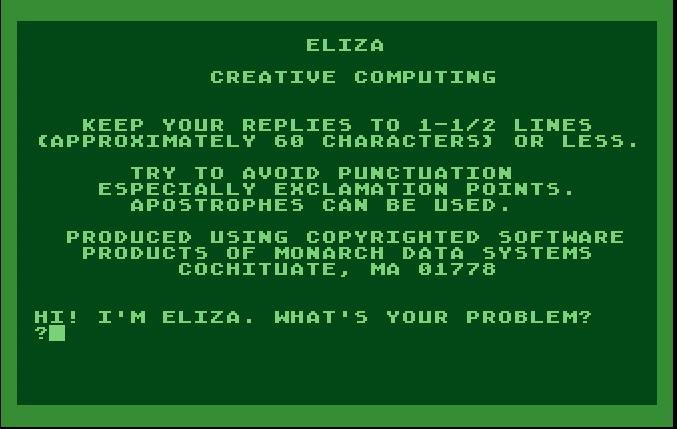 From approximately 1970 through the 1990s, a number of emulated software packages, spanning many sources and with many motivations, portrayed microcomputers and game consoles as thinking machines. These programs attempted to predict the experience of creating autonomous or semi-autonomous virtual entities, or of playing games with the illusion of a contemplative and improvisational opponent.