Is The World Still Flat or Even Flatter?
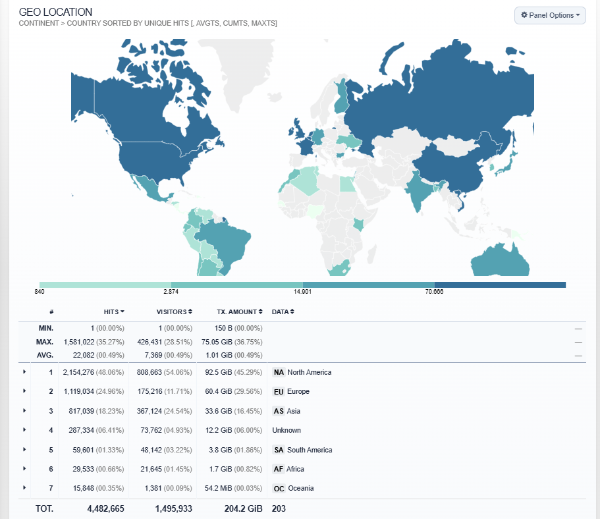
I was looking at the analytics for this blog, which includes the countries that have visited its pages. It is quite global. That got me thinking back to a book that made a big splash in 2005.
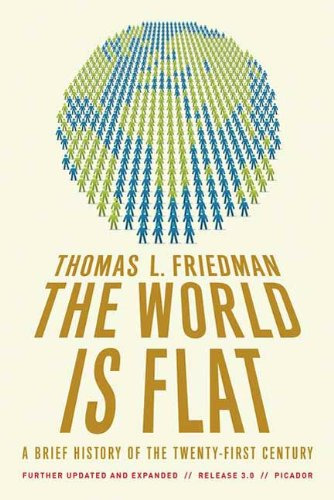
Thomas Friedman's The World Is Flat: A Brief History of the Twenty-First Century was published in 2005. It was updated as 2.0 in 2006 and 3.0 in 2007.
What he said originally was that the world is becoming "flat." The competitive playing field between developed and emerging economies has been leveled, so individuals and small companies can compete globally like never before. He called this Globalization 3.0.
Globalization 1.0 (1492-1800) was driven by countries. Globalization 2.0 (1800-2000) was driven by multinationals. The 3.0 version was driven more by individuals empowered by technology. A trip to Bangalore made him realize work could be done anywhere.
He desribed 10 "flatteners" that made it possible.
- November 1989 Berlin Wall falls, plus Windows and the end of Cold War, while PCs are creating more and more content
- August 1995 Netscape IPO — the web for everyone
- Workflow software — SMTP, HTML, standards letting machines talk to machines
- Uploading — open source, Wikipedia, blogs combined are the "most disruptive force of all"
- Outsourcing — splitting work to the cheapest, most efficient place
- Offshoring — moving factories to China after WTO entry
- Supply-chaining — Wal-Mart style global logistics
- Insourcing — e.g. UPS repairing Toshiba computers
- Informing — Google, search — anyone can find anything
- The Steroids — wireless, VoIP, file-sharing making it all mobile, digital, personal
How has he revised it since?
Friedman himself did two early revisions — the 2006 edition was explicitly to answer critics and readers, especially about education. Since then, in interviews, columns, and his 2016 book Thank You for Being Late, he has shifted in four ways.
From flat to fast, fused, deep, open, he now says the world is not just flat; it is also fast, fused, deep, and open due to accelerating technology. Later: fast, fused, deep, and fragile — acceleration in technology, globalization, climate, and debt is exponential.
He admits he underestimated the downside. The original was a techno-optimist. Critics like Pankaj Ghemawat showed 90% of traffic was still local, Joseph Stiglitz said the world was getting less flat for many, and geographers called it "spiky." Friedman now talks much more about inequality, the hollowing out of middle-class jobs from outsourcing/offshoring, and political backlash (Brexit, Trump, anti-globalization populism). He said after 2008: "The world is even flatter than I thought. Our mortgage crisis is killing Deutsche Bank."techno-optimistic
The safety net argument got stronger. Originally it was learn new skills. Now it is tat society needs lifelong learning, portable health/retirement benefits, community anchors, and government help for transitions. (This is the core argument of Thank You for Being Late)
His Dell Theory of Conflict Prevention (AKA simply the Dell Theory) is an updated version of his previous "Golden Arches Theory of Conflict Prevention". According to Friedman, Dell Theory stipulates: No two countries that are both part of a major global supply chain, like Dell's, will ever fight a war against each other as long as they are both part of the same global supply chain. He has since acknowledged that supply-chain interdependence didn't prevent Russia's war on Ukraine, US-China decoupling, or COVID supply-chain collapse. Interdependence raises the cost of war but doesn't prevent it. The lesson became resilience, not just efficiency — you need "just in case" as well as "just in time."
So what does this have to do with this blog?
Well, the flattener of "uploading" (open source, Wikipedia, blogs combined) is still disruptive. If I were writing these posts on some 1980s print media platform, the audience would never have the reach it has here. Actually, I would likely never have been allowed to write in those places.
If Friedman decides to do a version 4.0 revision, he certainly would need to include artificial intelligence, which affects all of his original flatteners in some way.
 Recently, I received notice from the music service Spotify that "
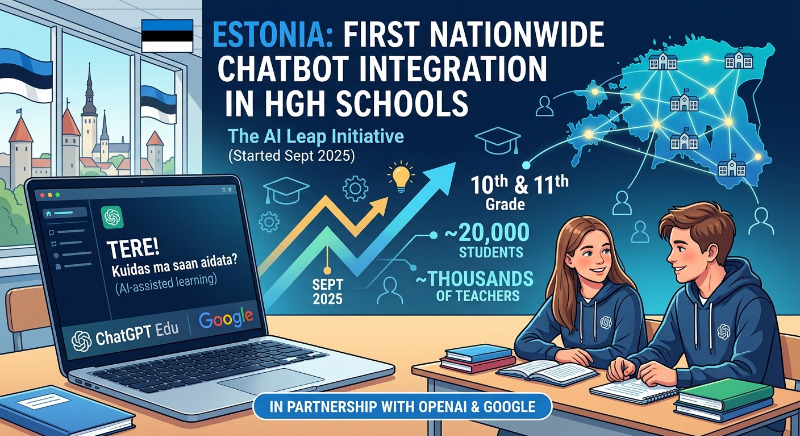 The use of AI in schools is a big topic right now in the U/S. and probably in most of the developed world.
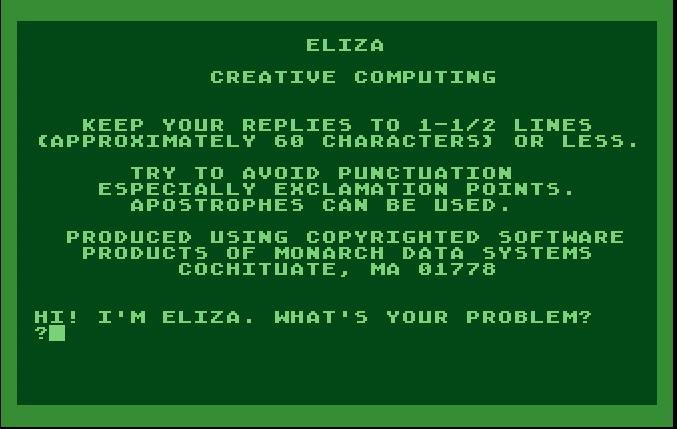 From approximately 1970 through the 1990s, a number of emulated software packages, spanning many sources and with many motivations, portrayed microcomputers and game consoles as thinking machines. These programs attempted to predict the experience of creating autonomous or semi-autonomous virtual entities, or of playing games with the illusion of a contemplative and improvisational opponent.